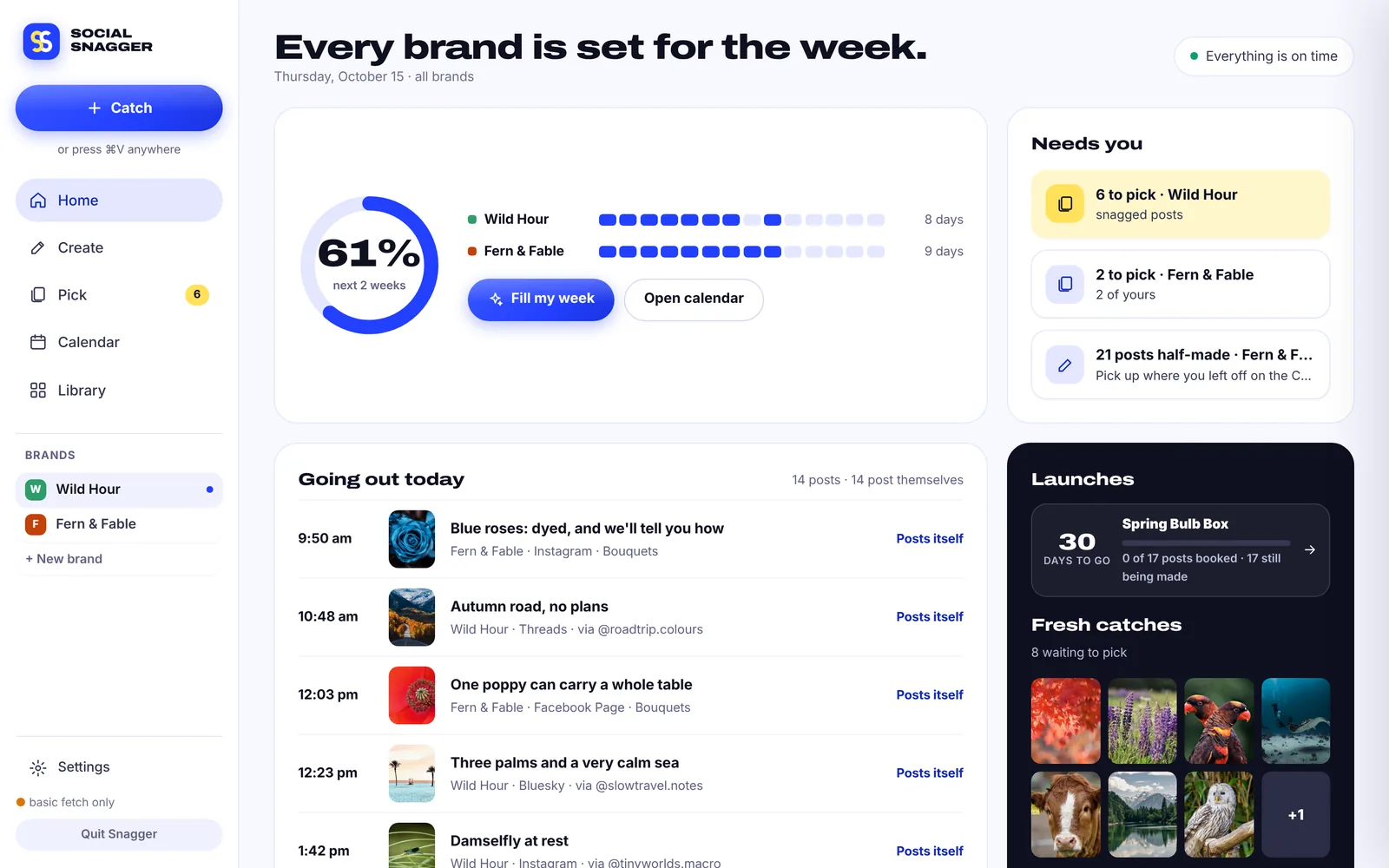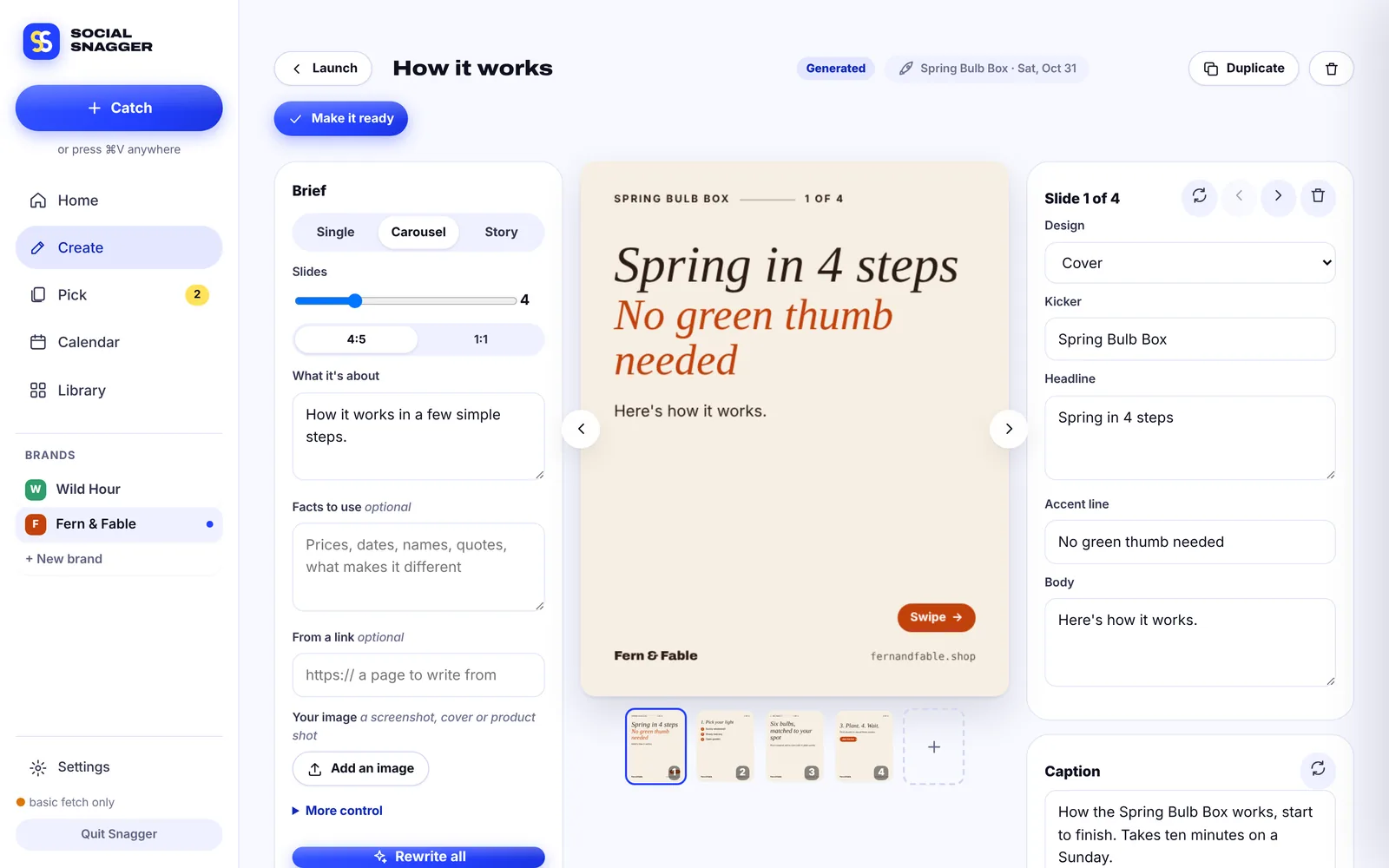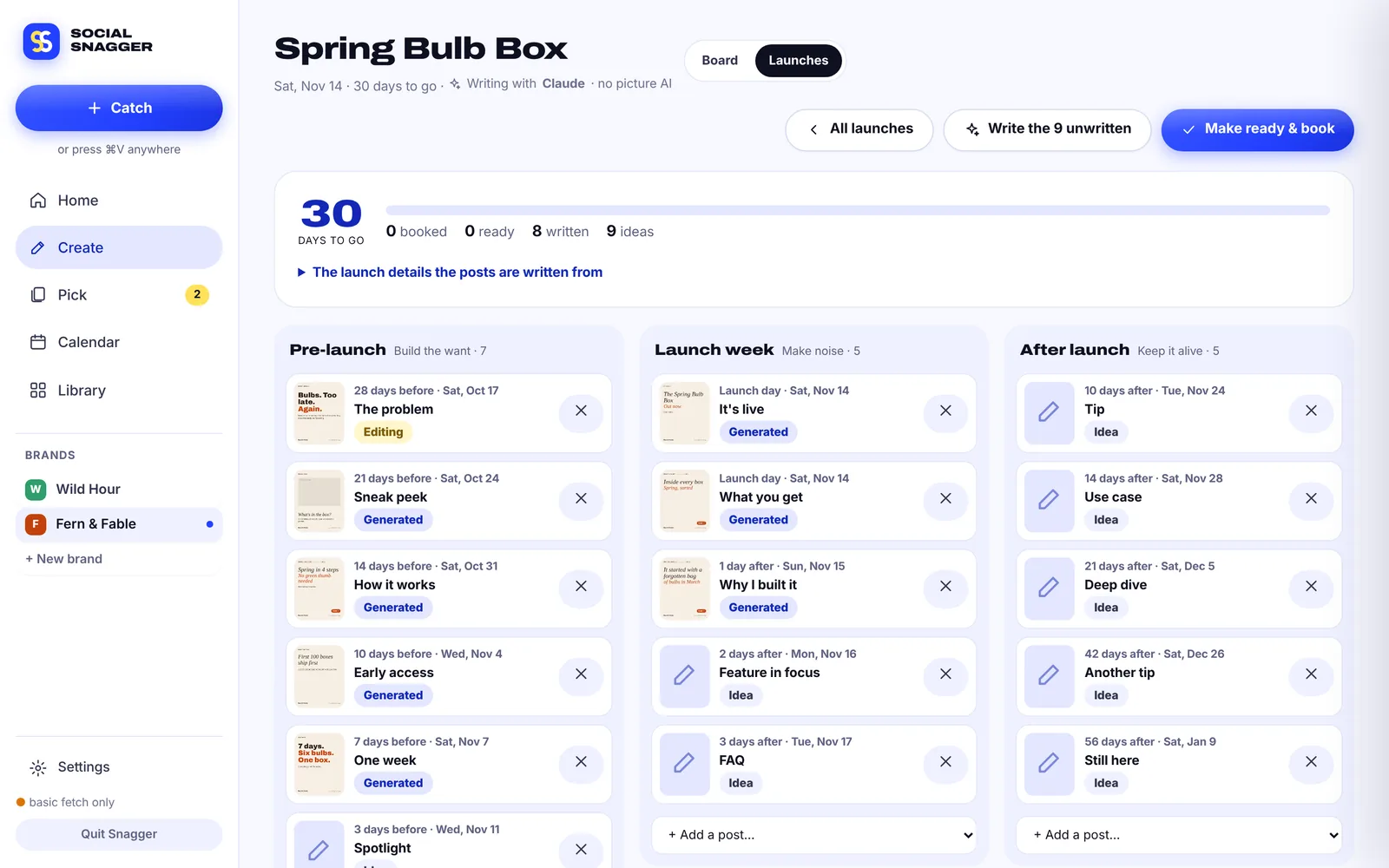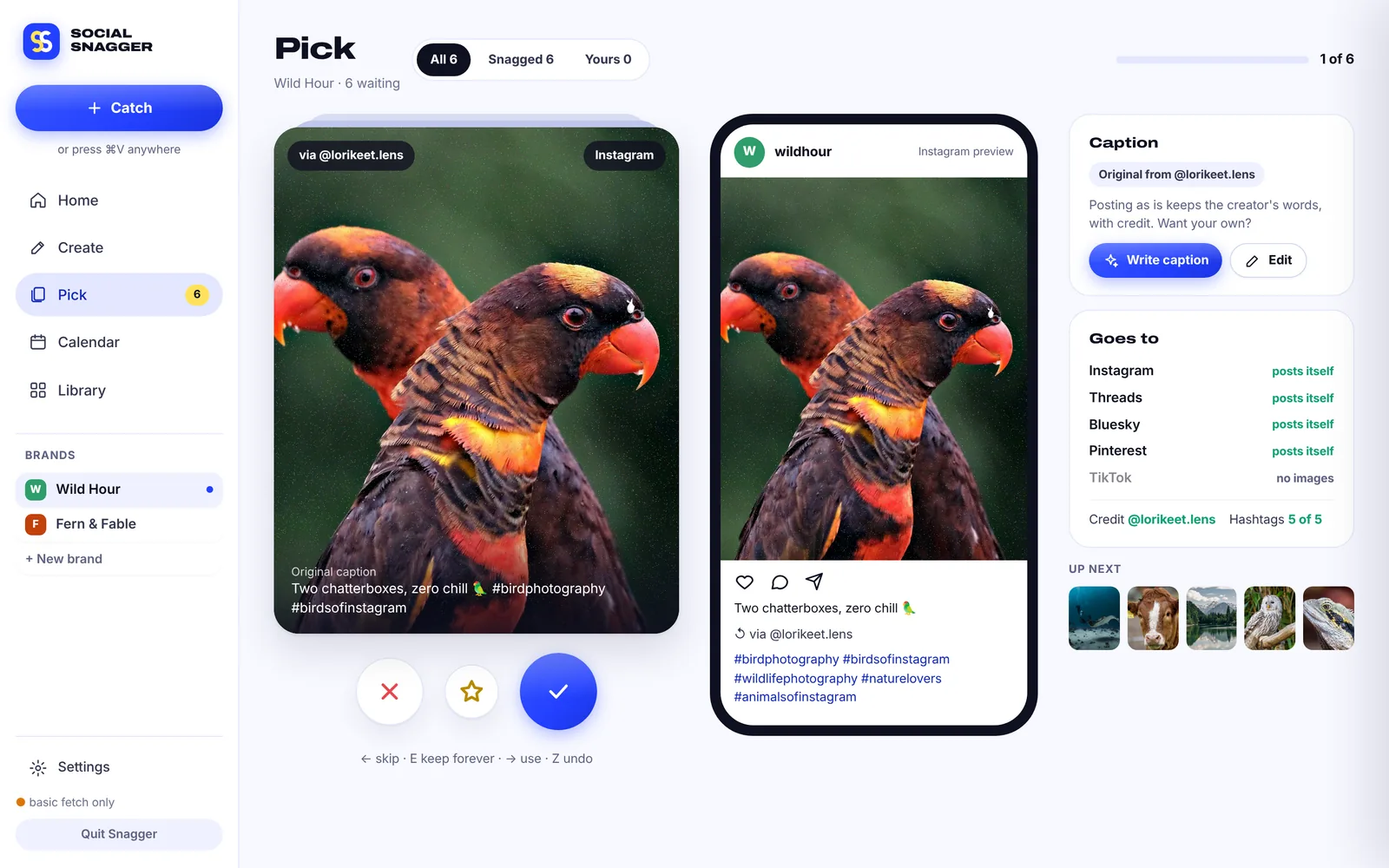
Brand and press kit
The Twin S, the colours and the words.
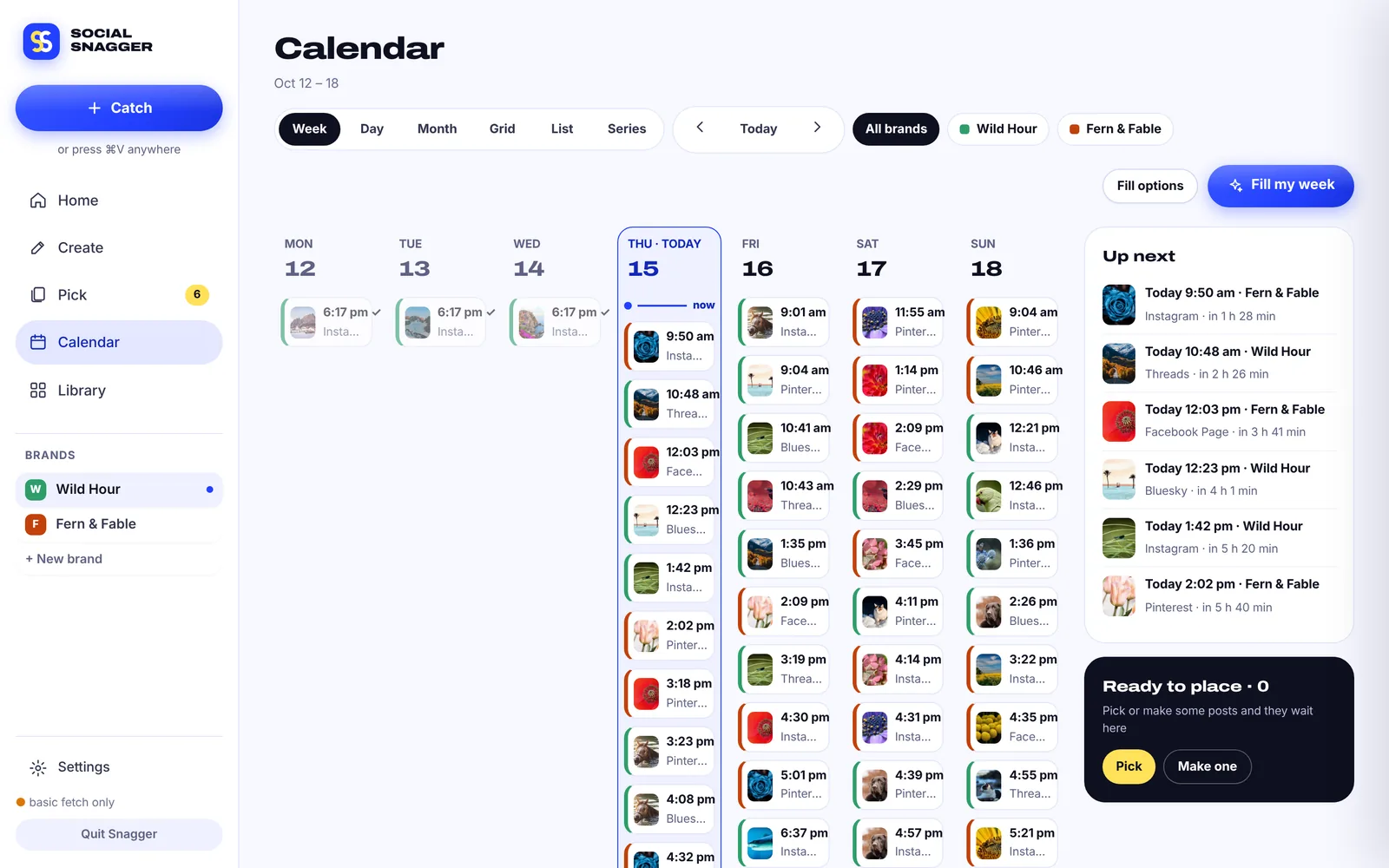
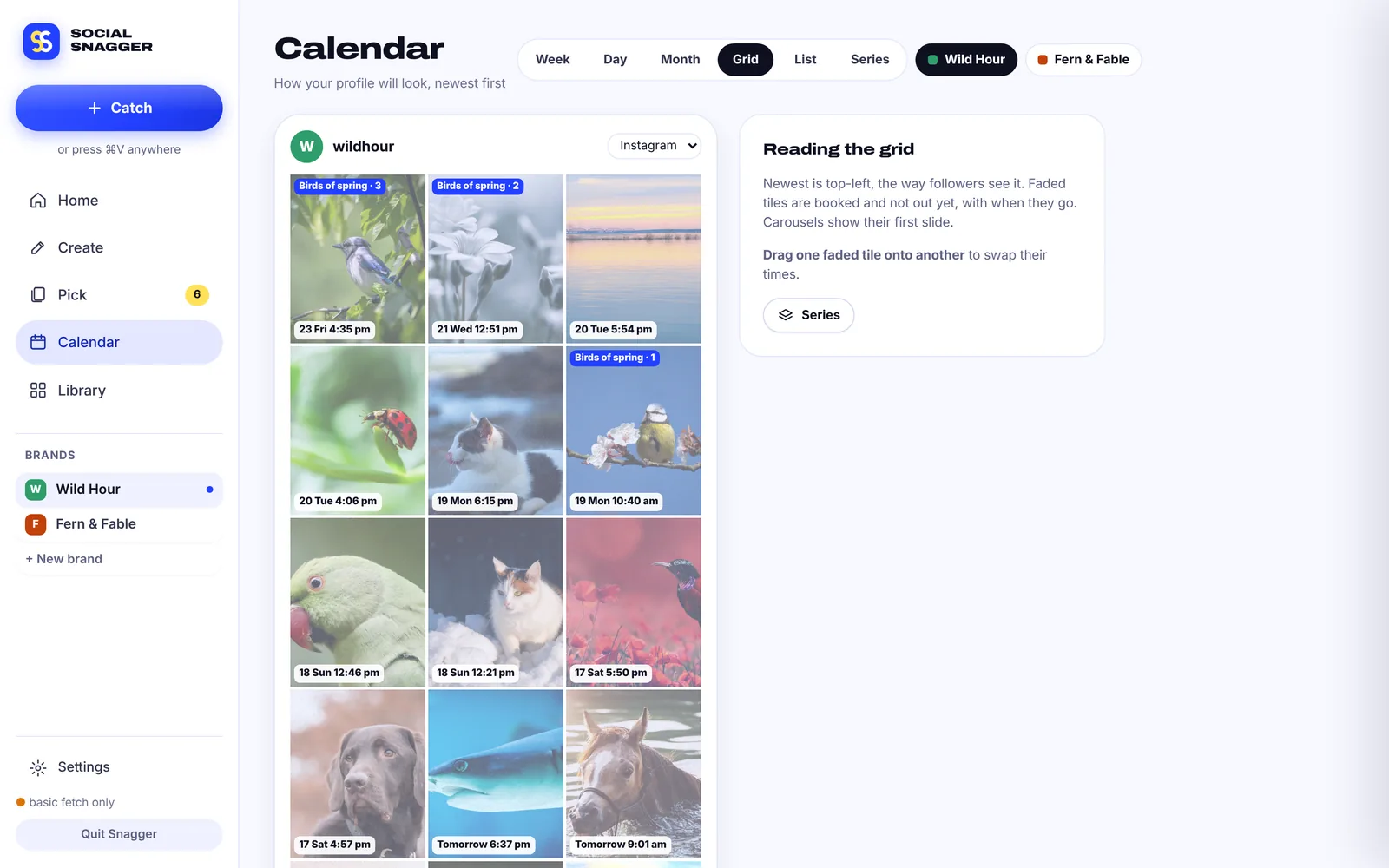
Everything you need to write about or link to Social Snagger: logos and app icons to download, the palette with copyable values, the fonts, how to use the name, and a description you can paste as is.
- Name
- Social Snagger (short: Snagger)
- What it is
- Social media repost, create and scheduling app
- Platform
- macOS 11 Big Sur or later
- Price
- Free, pay what you want
- Current version
- 3.2 (2026-10-15)
- Website
- snagger.social
- Made by
- 1320 Group
Logos and icons
Download the mark
Two geometric S strokes, the front one overlapping the back: SS for Social Snagger, and the overlap reads as a repost. Use these files as they are.







Colour
Cobalt, Lemon and Ink
Click any value to copy it. The CSS token is the custom property this site uses (the site defines them in OKLCH equivalents of the same colours).
Cobalt
Brand ground, primary buttons, links
Cobalt deep
Hover and pressed states
Lemon
The back S, highlights, one accent per screen
Ink
Text and dark surfaces
Mist
Tints and selected states
Ground
Page background
White
Cards
Coral
Errors and destructive actions only
Mint
Success and posted
One rule: never set Lemon text on white; it is too pale to read. Lemon sits on Cobalt or Ink.
Typography
Two families, both free
SOCIAL SNAGGER
Never run out of things to post.
- Family
- Archivo (variable)
- Wordmark
- Width 125%, weight 900, capitals, line height 0.9
- Headings
- Width 112–125%, weight 800–900
- Licence
- SIL Open Font License
Snag it. Make it. Post it.
Videos and photos come in with the creator’s @handle and original caption saved. Swipe through, see exactly how it will look, and decide where it goes.
- Family
- DM Sans
- Weights
- 400 body, 500 labels, 600–700 buttons and emphasis
- Sizes on the site
- 14–15px body, 12–13px labels
- Licence
- SIL Open Font License
Logo usage
Do and don't
Do
- Use the app icon or the Twin S as supplied, on Cobalt, white, Ground or Ink.
- Pick the mark file made for your background: light, cobalt or dark.
- Leave clear space around the logo at least as wide as one S stroke.
- Keep the wordmark stacked, in capitals: SOCIAL / SNAGGER.
- Put Lemon on Cobalt or Ink, where it stays readable.
Don't
- Don't stretch, squash or rotate the mark.
- Don't recolour it outside the palette.
- Don't add outlines, glows or drop shadows.
- Don't put it on busy photos without a solid ground.
- Don't redraw the S with corners. Every curve in the mark is round.
The name
Social Snagger, then Snagger
Write the full name the first time, in title case. After that, Snagger on its own is fine. The capitals-only form belongs to the wordmark, not to sentences.
Social Snagger first mention, headlines, listings
Snagger after that, and as the short app name
snagger.social the website
SocialSnagger, Social snagger, Social Snag, SS, Snaggr
Boilerplate
Paste-ready descriptions
Short · about 45 words
Social Snagger is a free Mac app that keeps your social calendar full. It saves great posts from the creators you follow with their credit attached, writes your own posts and carousels with the AI you choose, and schedules everything across your channels.
Long · about 140 words
Social Snagger is a free, pay-what-you-want Mac app for people who post every day. It finds posts from the creators and hashtags you follow on nine platforms and saves them with the creator's @handle and original caption, so credit is on by default. Its Create board writes single posts, carousels and stories in your brand kit, and Plan my launch drafts a whole 10 to 25 post campaign. Fill my week then books every brand across Instagram, Threads, Facebook Pages, Pinterest, Tumblr and Bluesky, with TikTok and YouTube Shorts sent to your phone through Telegram, ready to post. It works with Claude, OpenAI, Gemini or OpenRouter using your own key, or with Ollama and LM Studio running free on your Mac. Your library, logins and keys stay on your Mac. Social Snagger is built by 1320 Group.
Press, review and partnership questions reach the team through 1320.digital.